Download Restaurant Bitely Restaurant POS
Complete restaurant & dine-in management — orders, KDS kitchen display, table mapping, billing, delivery & day-end reports. Download the setup installer for Windows, MacOS, Android & iOS with full offline support.
Mobile apps
Take orders on the floor with iOS and Android cashier apps for Bitely Restaurant POS.
Download for iOS
v2.4.0 • 45.0 MBRun the Bitely Restaurant POS cashier app on iPhone and iPad for fast table-side ordering and mobile billing.
Download for Android
v2.4.0 • 34.2 MBTake orders on Android phones, handheld terminals, and tablets with the Bitely Restaurant POS cashier app.
Desktop apps
Full POS experience on Windows and Mac for counter, billing and back-office use.
Download for Windows
v2.4.0 • 85.4 MBInstall the full desktop setup on Windows PCs, touch terminals, and laptops for Bitely Restaurant POS.
Download for MacOS
v2.4.0 • 92.1 MBInstall the desktop POS on your Mac for full counter billing and management setup.
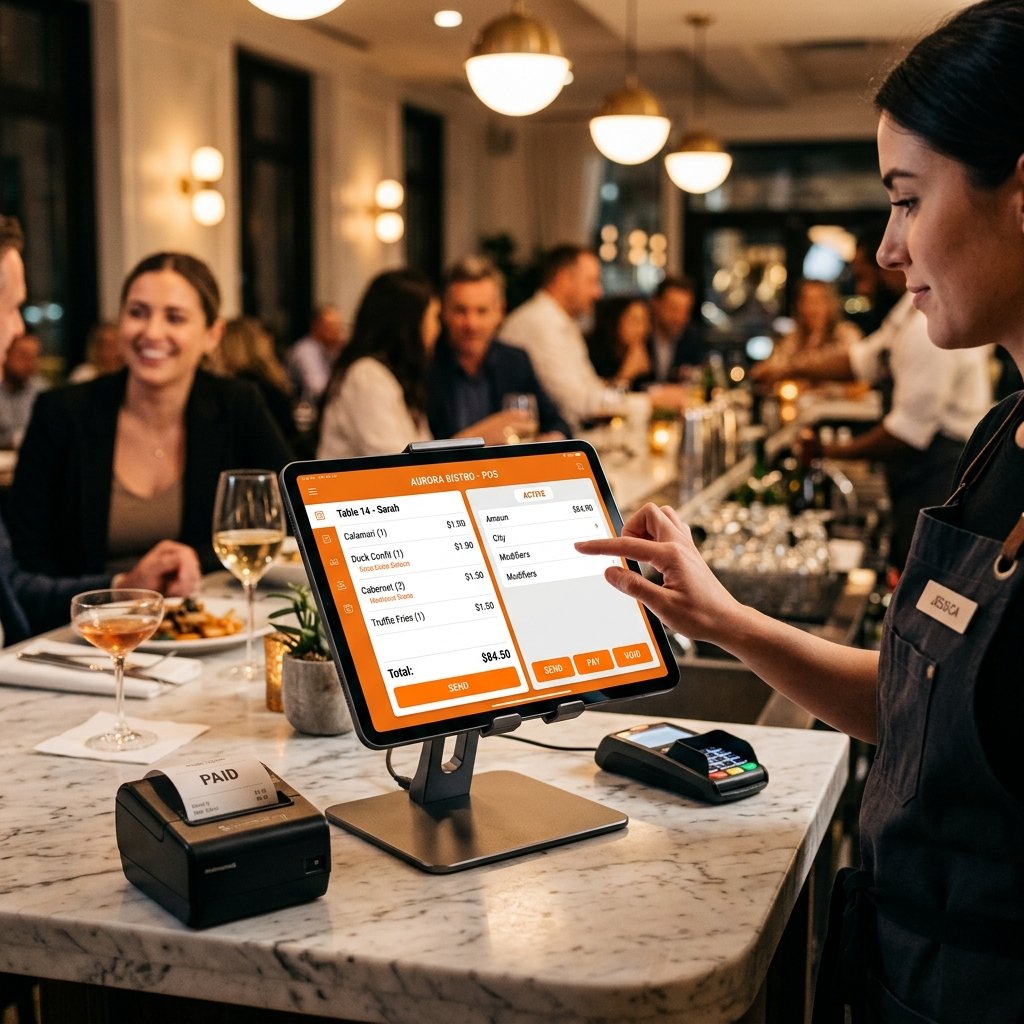
Bitely Restaurant POS on every device
Complete restaurant & dine-in management — orders, KDS kitchen display, table mapping, billing, delivery & day-end reports.
Kitchen display & table map
Full support included out of the box.
Takeaway, delivery & dine-in
Full support included out of the box.
Day-end closing + reports
Full support included out of the box.
Get started in 3 steps
Download Installer
Click the download button for your OS (Windows .exe, Mac .dmg, or Android .apk) and save the setup file.
Run Setup Wizard
Launch the downloaded setup installer and follow the quick automated step-by-step setup wizard.
Log in & Sync
Open Bitely POS, log into your registered business account, and start billing instantly.
Questions Before You Download?
Everything you need to know about downloading, installing, setting up, and syncing Bitely Restaurant POS.
Let's Discuss YourPOS GoalsLet's Discuss Your POS Goals
Tell us what you'd like to automate and our POS advisors will recommend the best path for you.
Find the Perfect POS Solution for Your Business
Share your requirements below and our POS specialists will curate a tailored plan for you.



SPEED | CONTROL | GROWTH
Visit Our Office
Lahore, Punjab, Pakistan
Working Hours
Mon - Sat: 09:00 AM - 08:00 PM
24/7 Support
Dedicated Team Ready